![Icon for Courses-1.png]](https://help.oneclickcontractor.com/hs-fs/hubfs/Icon%20for%20Courses-1.png?height=40&name=Icon%20for%20Courses-1.png)
Step 1: Open the estimate
Open the job, click Estimates, then open an existing estimate or create a new one.
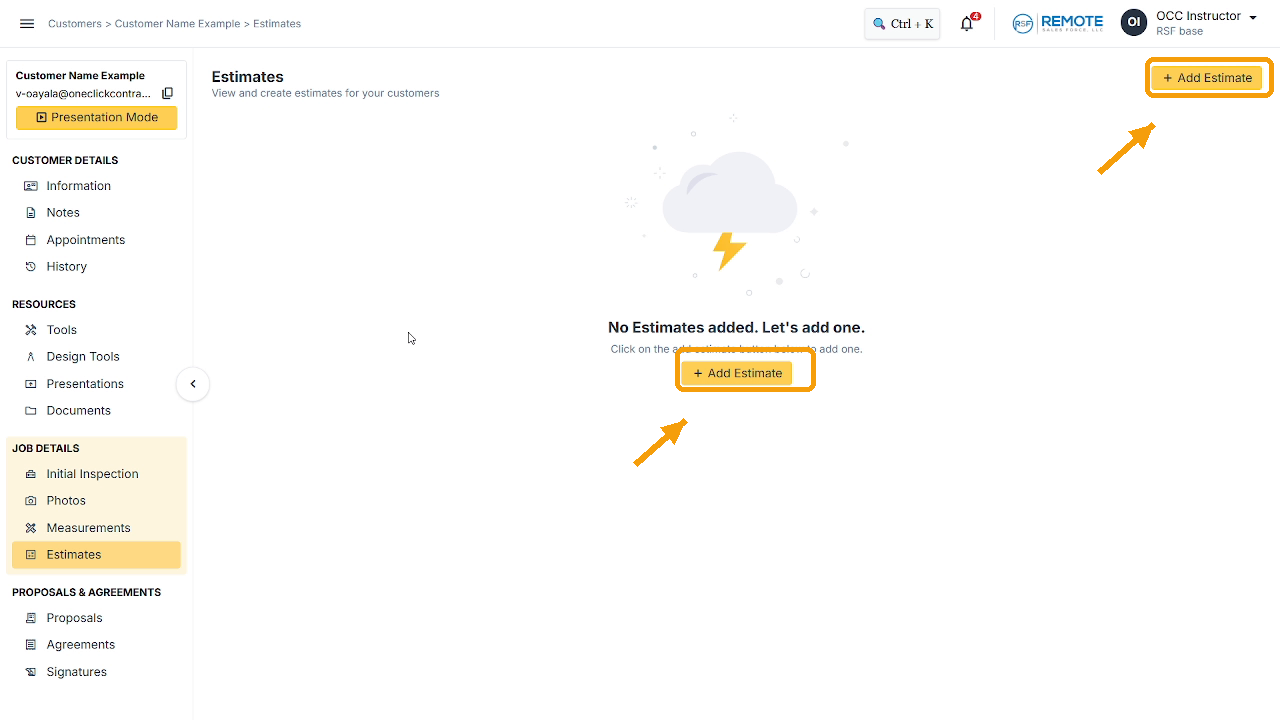
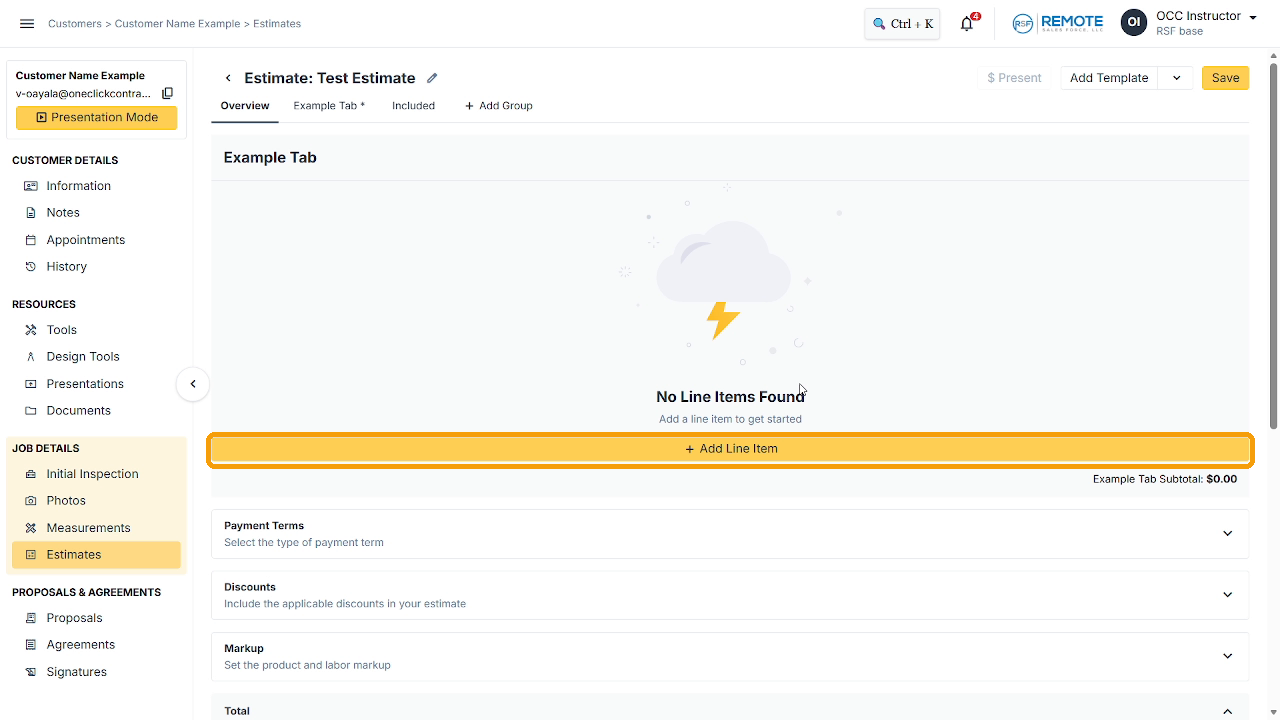
Image description: The estimate screen with no line items, with the yellow Add Line Item bar highlighted.
Step 2: Click Add Line Item
Use the yellow bar in an empty estimate. Once the estimate has items, use the yellow Add Line Item button at the top right of the tab or the + Add Line Item row under the list. They all do the same thing.
Step 3: Choose the product
Click Product Name, then drill down through the categories until you reach the product. Use Back to to go up a level, or Search products to find it faster.
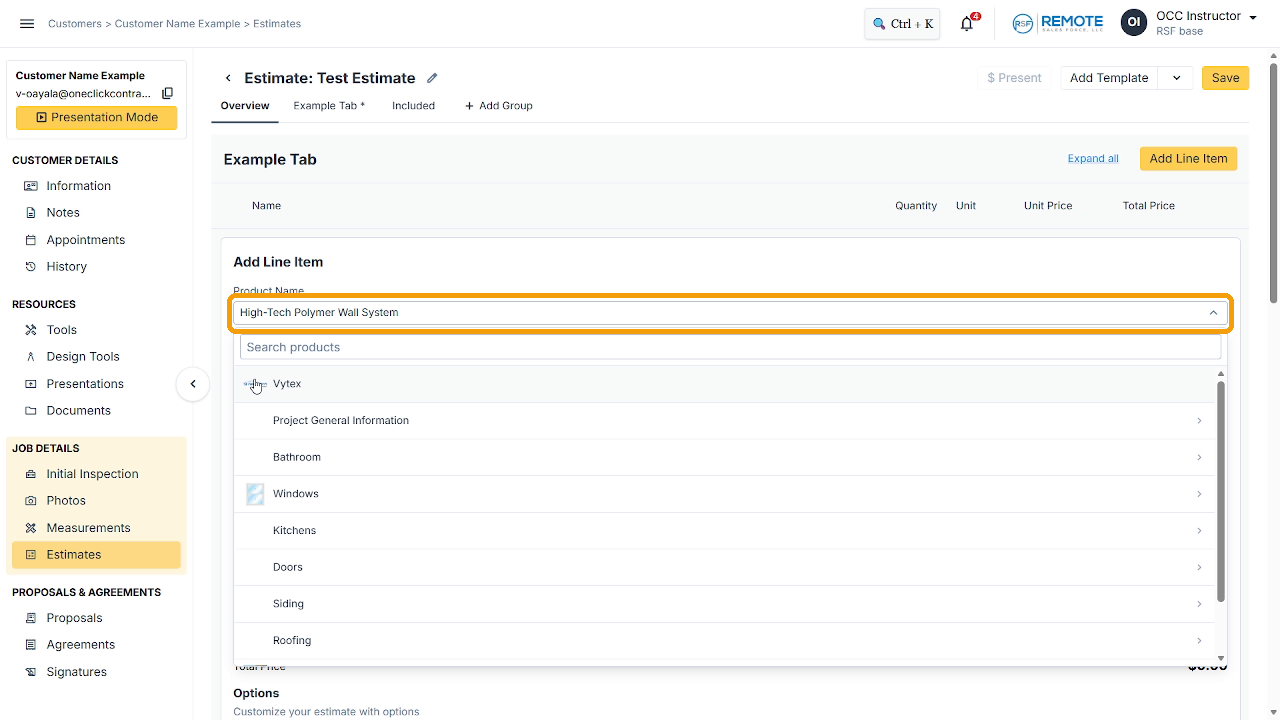
Image description: The Product Name list open on the category list.
Step 4: Check the Name and Description
Name fills in on its own. Description fills in if the product has one in the price list. You can leave it, add to it, or write over it. This is a good place to leave notes.
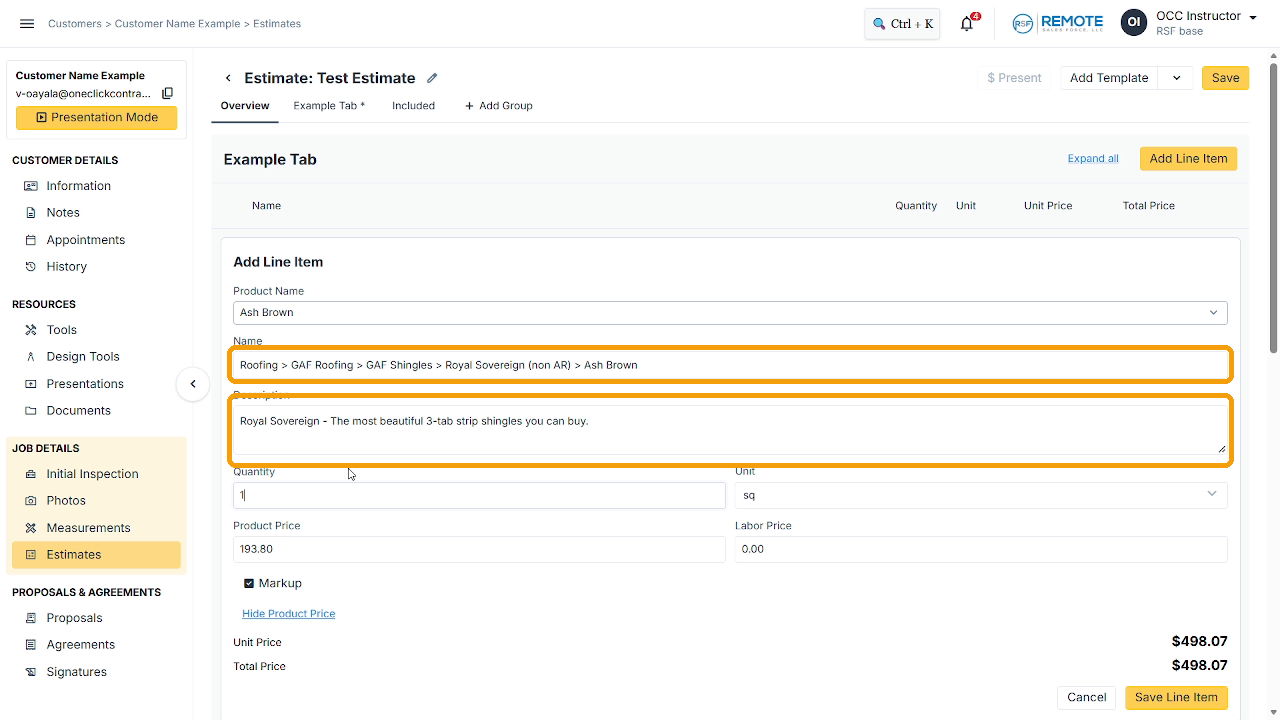
Image description: The Name and Description fields filled in.
Step 5: Enter the Quantity
Always type a quantity. Unit Price and Total Price update as you change it. If the product price shows $0.00, the price is in the options.
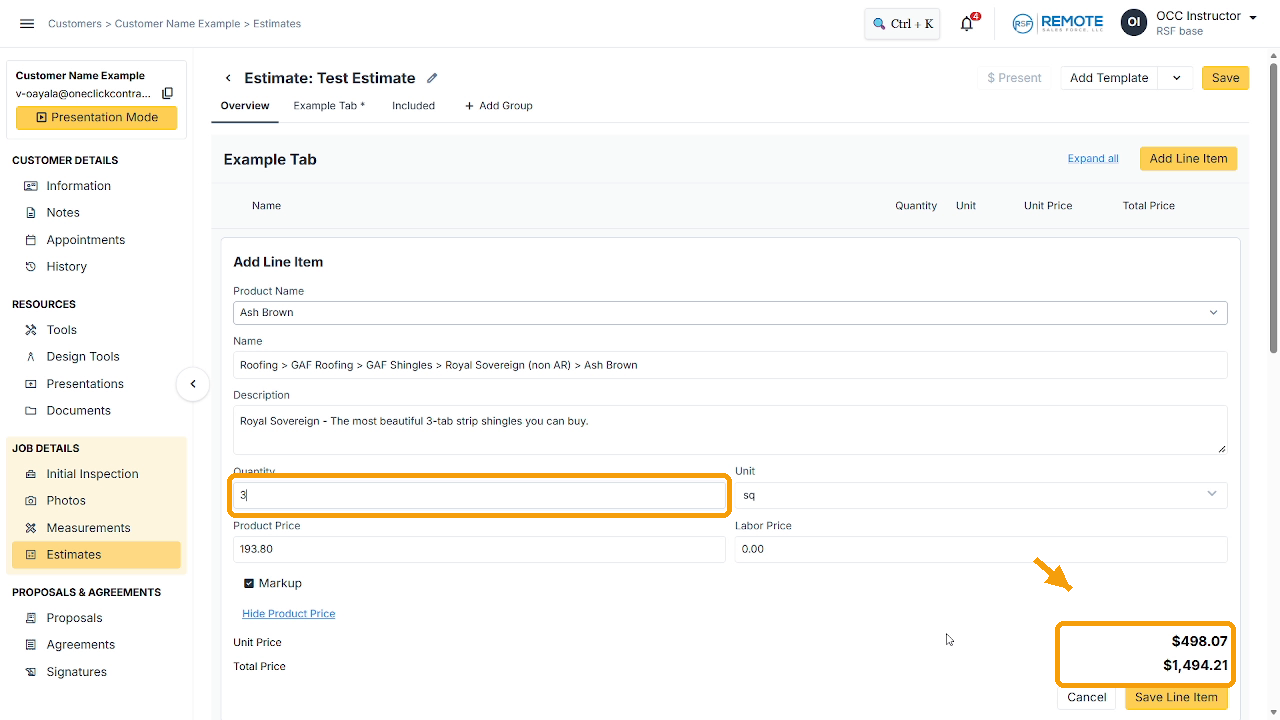
Image description: Quantity set to 3 with the Unit Price and Total Price on the right.
Step 6: Click Save Line Item
The line item moves into the estimate.
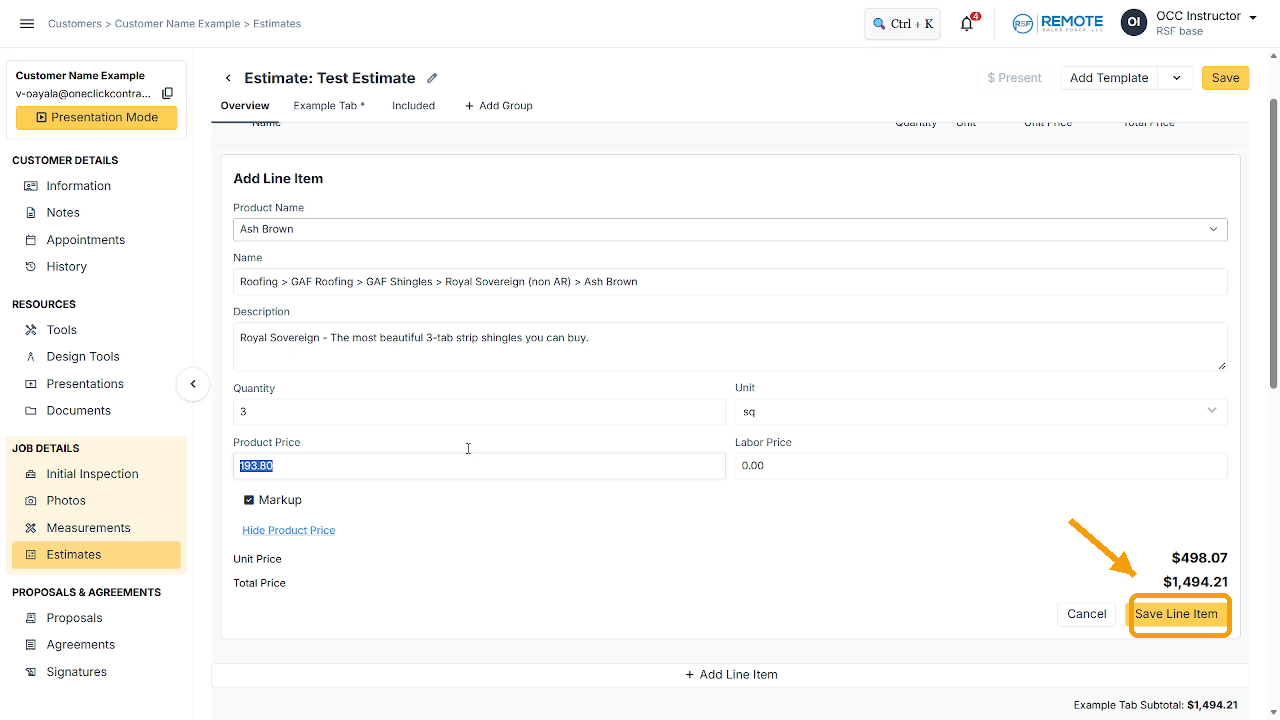
Image description: The Save Line Item button.
Step 7: Click Save
Saving the line item is not enough. Click Save at the top right to save the estimate, or the line item will be lost. If you see "unsaved changes" next to the estimate, it still needs saving.
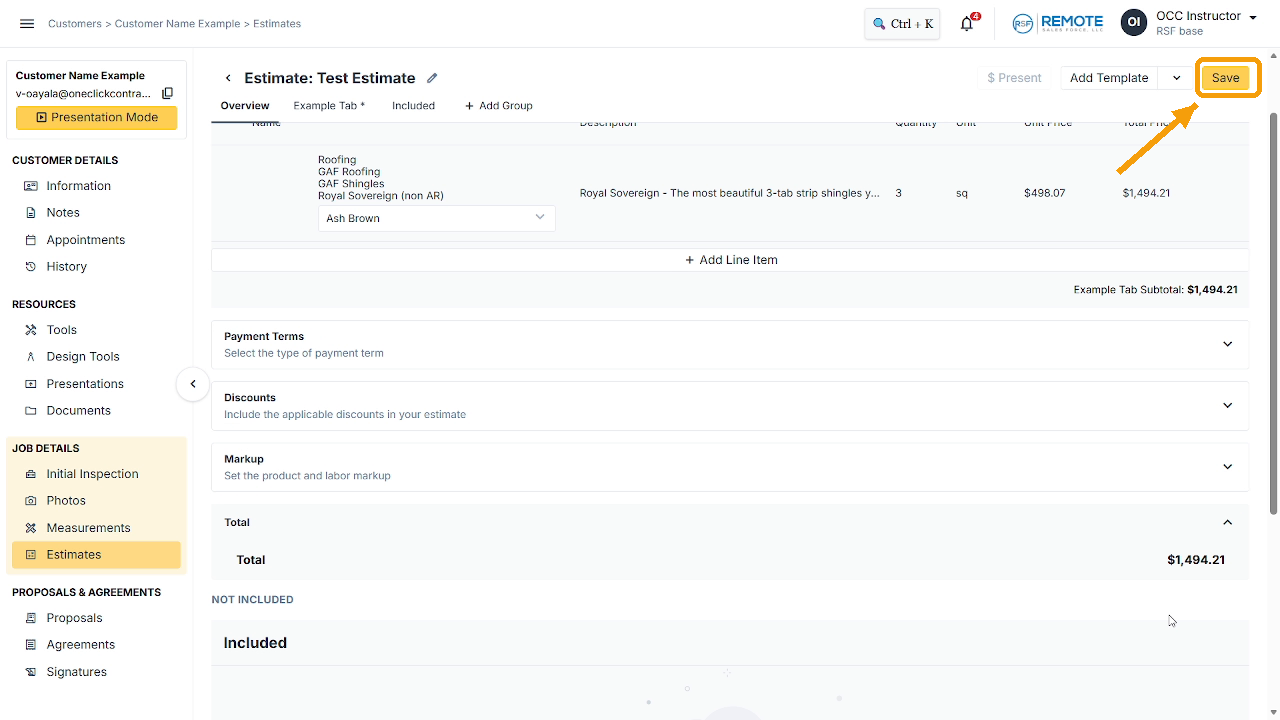
Image description: The saved line item with the Save button highlighted at the top right.
Every time you add or change a line item, repeat the last two steps.
Remember
What you see can differ depending on your organization's settings and your permission level. Tab names, headers and available options are configurable. If you can't see or do something described here, ask your manager first. They can contact support.