![Icon for Courses-1.png]](https://help.oneclickcontractor.com/hs-fs/hubfs/Icon%20for%20Courses-1.png?width=36&height=36&name=Icon%20for%20Courses-1.png)
Review Production Work
Step 1: Open Production Pipeline. Select it from the top navigation.
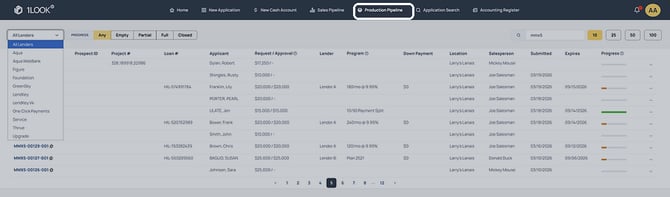
Image description: Production Pipeline appears in the top navigation for eligible users.
Step 2: Filter the project list. Use the lender filter, production-status filters, and search field to narrow the dashboard.
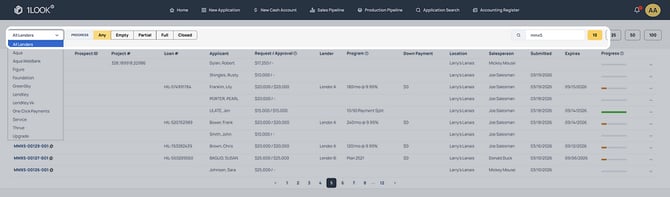
Image description: The Production Pipeline dashboard offers lender filtering, production-status filters, and customer search.
Step 3: Review the production status. Use the progress filters to focus on projects at the relevant stage.
👉 Empty indicates a gray progress bar. Partial indicates open sales or production work. Full indicates a green progress bar awaiting project close/final funding. Closed includes archived, off-platform, cancelled, and similar completed records.
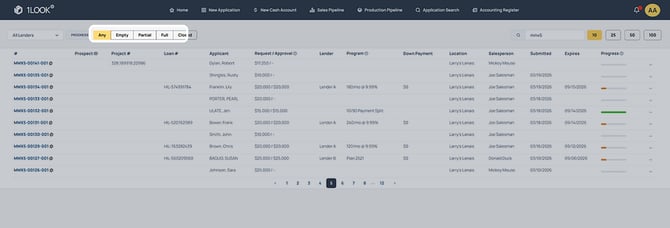
Image description: The status filters let administrators focus on Any, Empty, Partial, Full, or Closed production progress.
Step 4: Open the project record. Select the project or application reference to review the related Application Details.
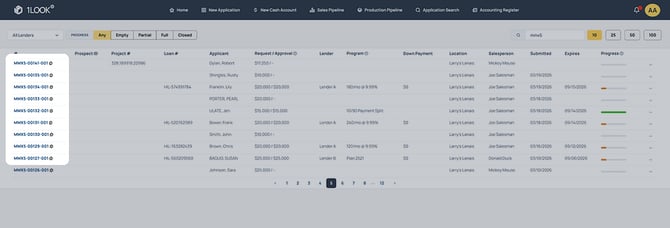
Image description: Each row identifies the project and its related application details for operational follow-up.
Step 5: Select Production Progress. Switch from Sales Progress when you need the production checklist.
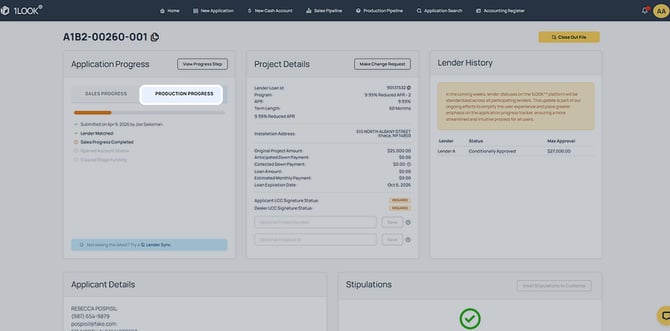
Image description: Application Details provides separate Sales Progress and Production Progress views.
Step 6: Select View Progress Step. Open the exact production item that requires attention.
👉 When stage funding is configured and a draw has not been requested or approved by the borrower, the Sales Progress bar can remain orange until the funding step is complete.
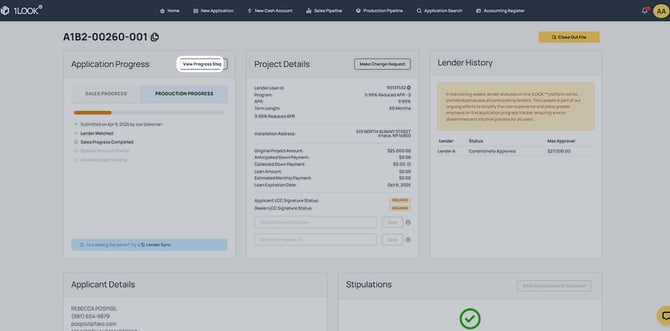
Image description: View Progress Step opens the production item associated with the incomplete checklist status.
Remember
What you see can differ depending on your organization's settings and your permission level. Tab names, headers, and available options are configurable. If you cannot see or do something described here, ask your manager first. They can contact support.