![Icon for Courses-1.png]](https://help.oneclickcontractor.com/hs-fs/hubfs/Icon%20for%20Courses-1.png?height=40&name=Icon%20for%20Courses-1.png)
Article Introduction
Select the Documents tab from the Estimator’s left panel.
Documents available for the job are organized under Job Documents and Resources. The files available in each area and how your company uses them are based on the document setup established during onboarding.
Add the Document to the Proposal
-
Locate the applicable file and turn on its Proposal toggle.
-
Once the toggle is enabled, the document will be included with the customer proposal.
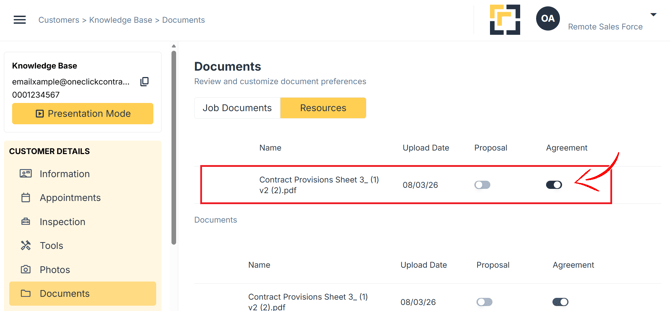
Repeat this process for each Job Document or Resource that should be included.