![Icon for Courses-1.png]](https://help.oneclickcontractor.com/hs-fs/hubfs/Icon%20for%20Courses-1.png?width=36&height=36&name=Icon%20for%20Courses-1.png)
Payment terms templates are set up on the back end for your organization.
Step 1: Apply a payment terms template
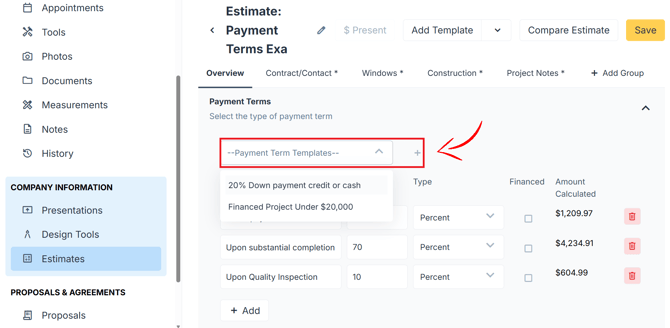
- Open the Payment Terms section in the estimate.
- Select the template you want.
- Click the + button. All the template's payment steps fill in automatically.
Step 2: Switch to a different template (optional)
- Select a different template in the Payment Terms section.
- Click + to replace the current terms.
Step 3: Add a custom payment term (optional)
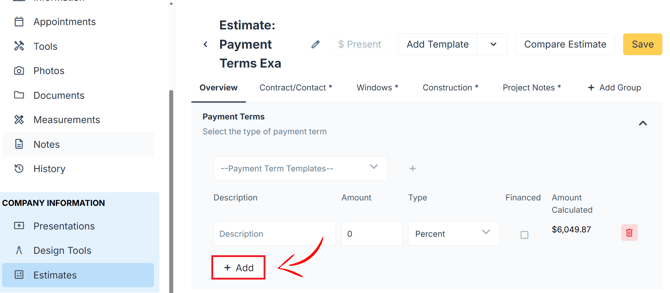
- Click + Add at the bottom of the Payment Terms section.
- Enter a description and the amount.
- Choose a flat amount or a percentage.
- Turn on the financing toggle if this term will be financed.
- Save the payment term.
For the full guide, see How to Apply Payment Terms to an Estimate.