![Icon for Courses-1.png]](https://help.oneclickcontractor.com/hs-fs/hubfs/Icon%20for%20Courses-1.png?width=36&height=36&name=Icon%20for%20Courses-1.png)
Open the Inspection tab and select the applicable inspection category.
Step 1: Attach Photos
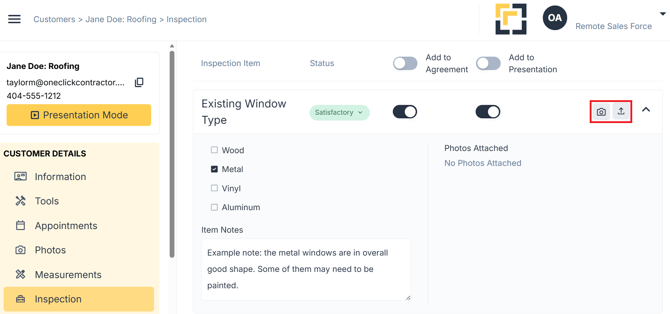
Photos can be added to an inspection item from two sources:
- Select an existing image from the Photos tab
- Upload a new image from your device
For the full guide, see Documenting an Inspection Item with Selections, Notes, and Photos.