![Icon for Courses-1.png]](https://help.oneclickcontractor.com/hs-fs/hubfs/Icon%20for%20Courses-1.png?height=40&name=Icon%20for%20Courses-1.png)
Introduction
Users are managed in the My Staff section of the Admin Settings. From here, you can add new users and define their role and access within the system.
How to Add a User
- Click + Add User in the top right
-1.webp?width=670&height=316&name=user_cropped_screenshot%20(7)-1.webp)
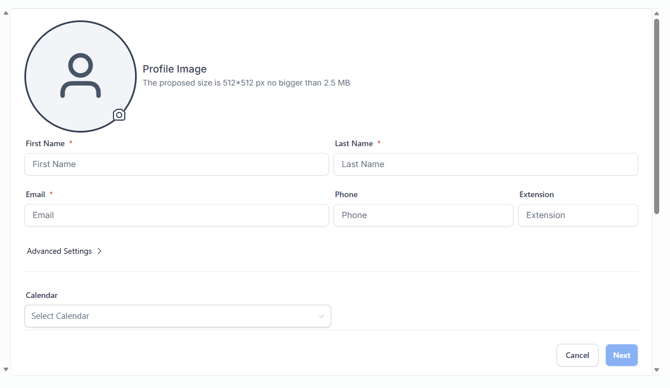
- Fill in the required fields:
- First Name
- Last Name
- (Optional) Enter additional details:
- Phone
- Extension
- (Optional) Click Advanced Settings to expand more options
- Select a Calendar if applicable
Click Next
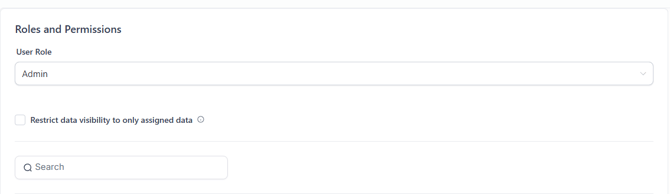
- Assign a User Role:
- User
- Admin
- (Optional) Configure Data Visibility Restrictions if needed
- Click Save