![Icon for Courses-1.png]](https://help.oneclickcontractor.com/hs-fs/hubfs/Icon%20for%20Courses-1.png?height=40&name=Icon%20for%20Courses-1.png)
- Open an estimate
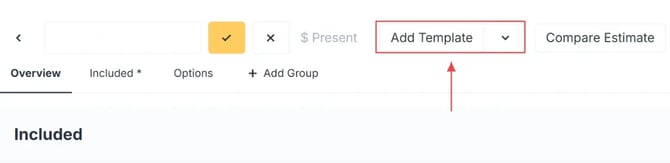
- Click Add Template
- Select the desired template
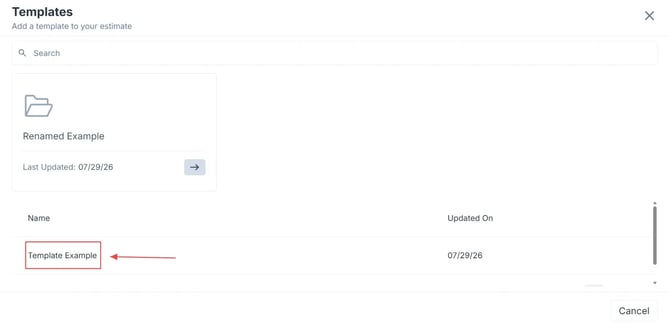
Note: As a reminder, estimates can be sorted into folders, search for the one you need.
What Happens Next
- If the estimate is empty, the template will automatically load
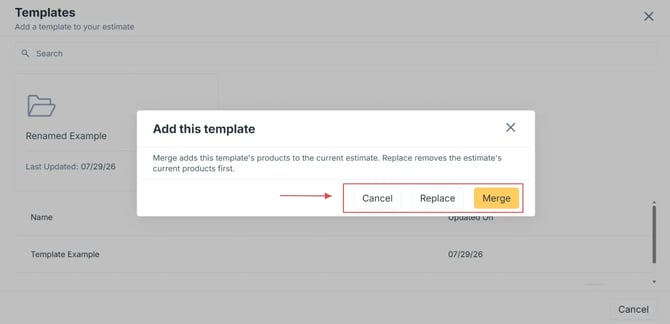
- If the estimate already has line items, you will be prompted to choose whether to merge or replace