![Icon for Courses-1.png]](https://help.oneclickcontractor.com/hs-fs/hubfs/Icon%20for%20Courses-1.png?height=40&name=Icon%20for%20Courses-1.png)
The Customers tab displays jobs within your organization and provides tools for searching, filtering, and navigating job records. The Customers tab is available from the Main Dashboard. The jobs displayed depend on the permissions assigned to your user account.
Step 1: Open the Customers Tab
-
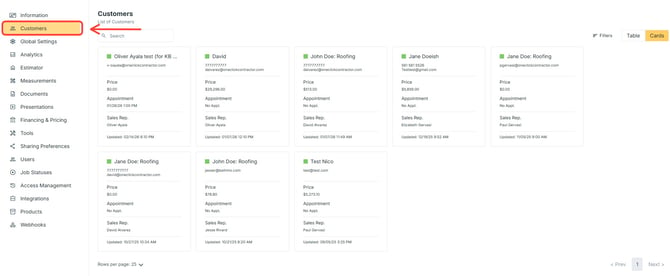
Click Customers.
Depending on your permissions:
-
You may see only jobs assigned to you.
-
You may see all jobs for your team or organization.
Step 2: View Jobs
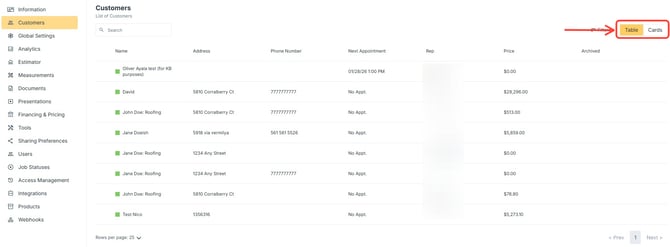
Jobs can be displayed in two formats:
-
Card View
-
Table View
-
Select Card View or Table View.
Step 3: Use Filters
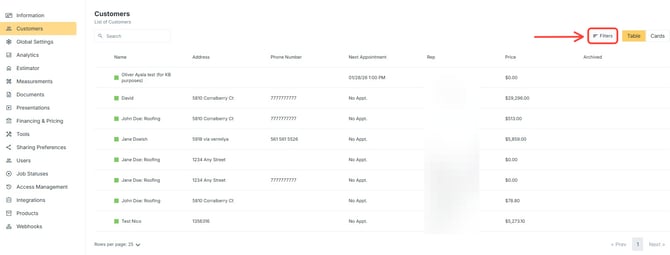
Filters allow you to narrow job results.
-
Click Filters.
-
Select the Filter Options.
-
Click Apply Filters.
Step 4: Pagination and Display Settings
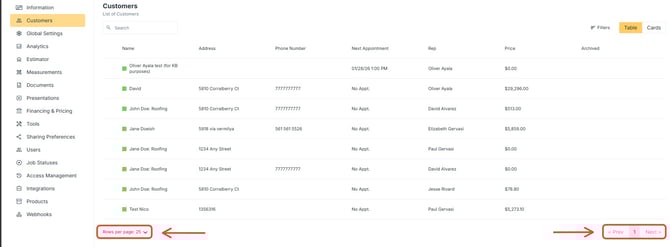
Pagination controls appear at the bottom of the job list.
You can:
-
Select the Number of Jobs Per Page.
-
Click Previous or Next to change pages