![Icon for Courses-1.png]](https://help.oneclickcontractor.com/hs-fs/hubfs/Icon%20for%20Courses-1.png?height=40&name=Icon%20for%20Courses-1.png)
Article Introduction
Open the customer job and select the Agreements tab from the Estimator’s left panel. This workflow applies to agreements showing a Sent status.
Display the Agreement Actions
The available actions appear when you interact with the agreement row.
- On a computer, hover over the agreement row.
- On an iPad, tap the agreement row.
Locate the Void Document action.
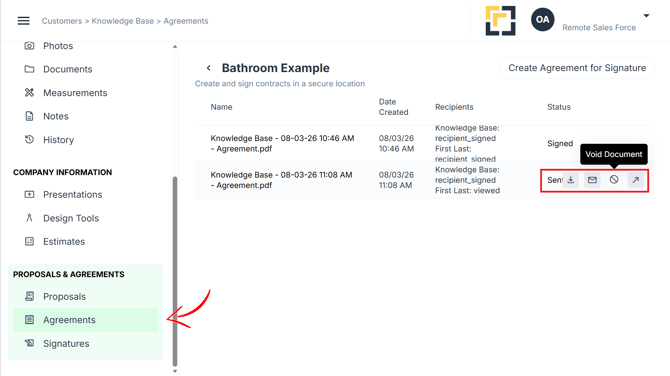
Click on Void Document
Fill in the Reason for Voiding
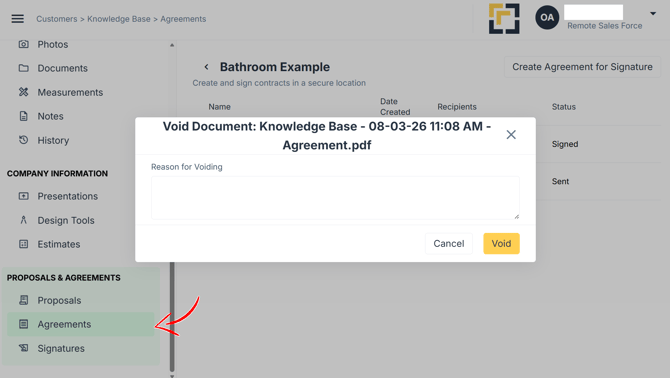
Click on Void