![Icon for Courses-1.png]](https://help.oneclickcontractor.com/hs-fs/hubfs/Icon%20for%20Courses-1.png?height=40&name=Icon%20for%20Courses-1.png)
One Click Contractor - SalesRabbit Integration
- Enable the integration in One Click Contractor (OCC)
- Under the integrations tab, enter the API key from SalesRabbit
- Once this information is entered the system will pull a list of Lead Statuses and Users from SalesRabbit. It will then periodically (a few times a day refresh this information).
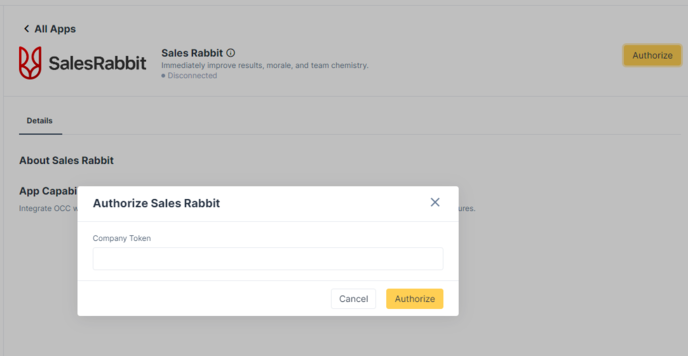
- Link up your SalesRabbit users to your OCC Users
- The system will automatically match users based on the email address but you can override it if needed.
- Every 15 minutes, OCC kicks off a job to look for new/updated leads in SalesRabbit.
- Leads will automatically have jobs and appointments created in OCC and assigned to the appropriate representative.
- When it pulls the lead information it gets the following data:
- First and Last Name
- Email Address
- Primary and Alternate Phone Numbers
- Notes
- Appointment Date/Time
- While users are working on the lead/job in OCC they can now see (on the appointments tab) the fact the job/appointment is linked to SalesRabbit.

- At the point the user wants to result (update the lead status) in SalesRabbit, they click the gear under the SalesRabbit header which brings up the result appointment dialog. The user is presented with a dropdown that has a list of all Lead Statuses.
- The user selects the appropriate value and clicks Save.
- The status information is immediately updated back in SalesRabbit.