![Icon for Courses-1.png]](https://help.oneclickcontractor.com/hs-fs/hubfs/Icon%20for%20Courses-1.png?height=40&name=Icon%20for%20Courses-1.png)
Article Introduction
The Presentations tab brings presentation content into the job so it can be accessed alongside the rest of the customer’s project information.
Bring Different Types of Content Together
Presentations can include content from several supported sources, such as:
- Uploaded PDF slides
- Supported HTML presentations
- Linked third-party content
- Supported Ingage presentations
- Inspection items from the job
The available content depends on what has been configured for your organization.
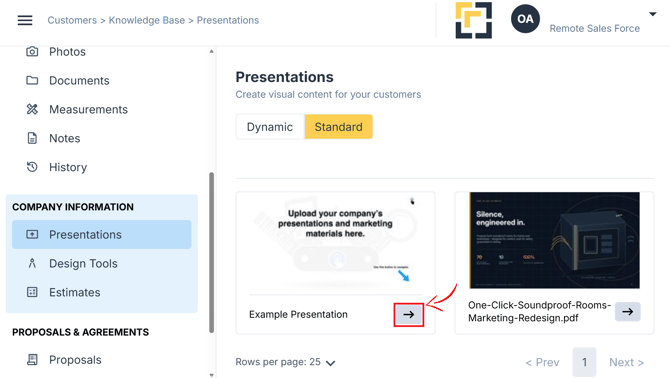
Standard Presentation
A Standard Presentation displays presentation assets in the same order in which they were uploaded.
This allows users to move through prepared content using its established sequence.
Display presentation in full screen mode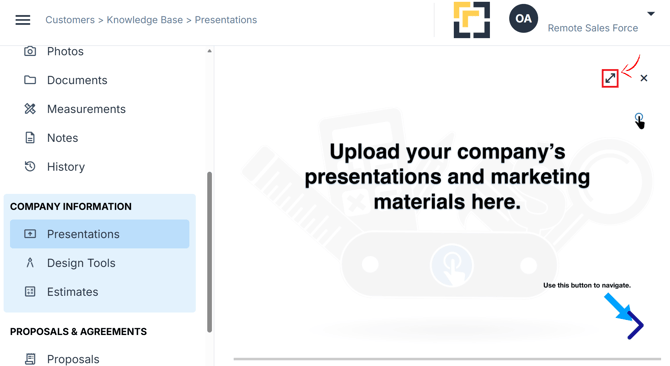
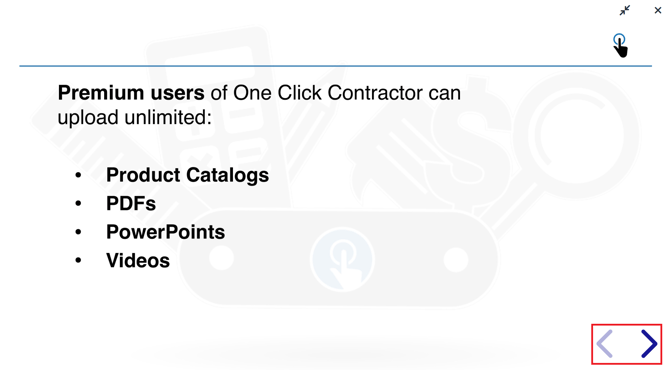
Use the arrows to navigate the presentations
Dynamic Presentation
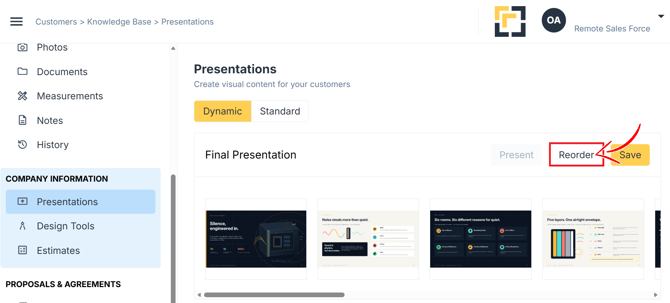
A Dynamic Presentation allows users to reorder available assets from the Presentations tab.
This makes it possible to adjust the content order for a specific customer without changing the original uploaded presentation.
In-Tool Dynamic Presentation Set up
Add all the slides from a presentation you wish to organize. note that you can add all the desired presentations in the asset repository.
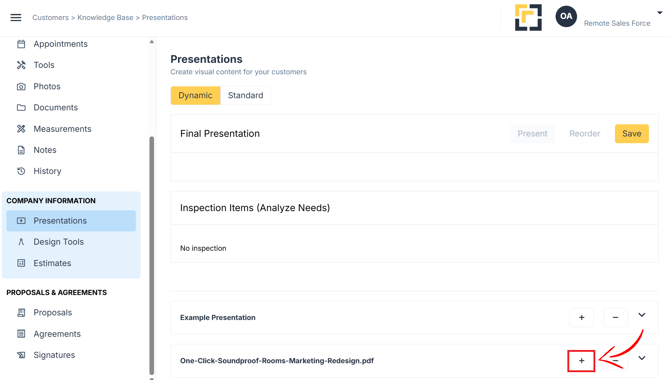
Reorder slides to better fit your pitch
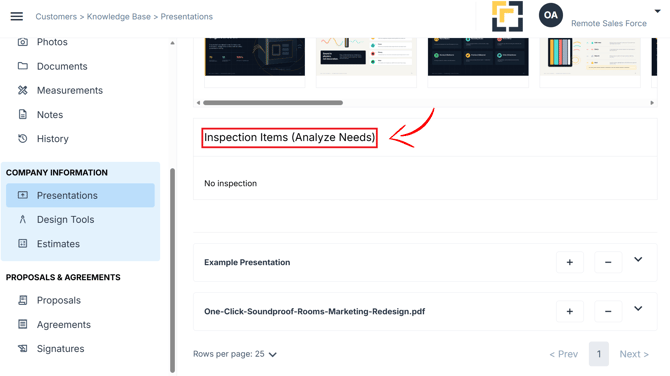
When available, you can add inspection items to the mix.
Open Content from Other Services
Linked presentations allow users to access presentation content hosted by a supported third-party service.
Depending on how the linked presentation was configured, it may open:
- Within One Click Contractor
- In a new browser tab
Linked presentations can also provide access to supported Ingage content.